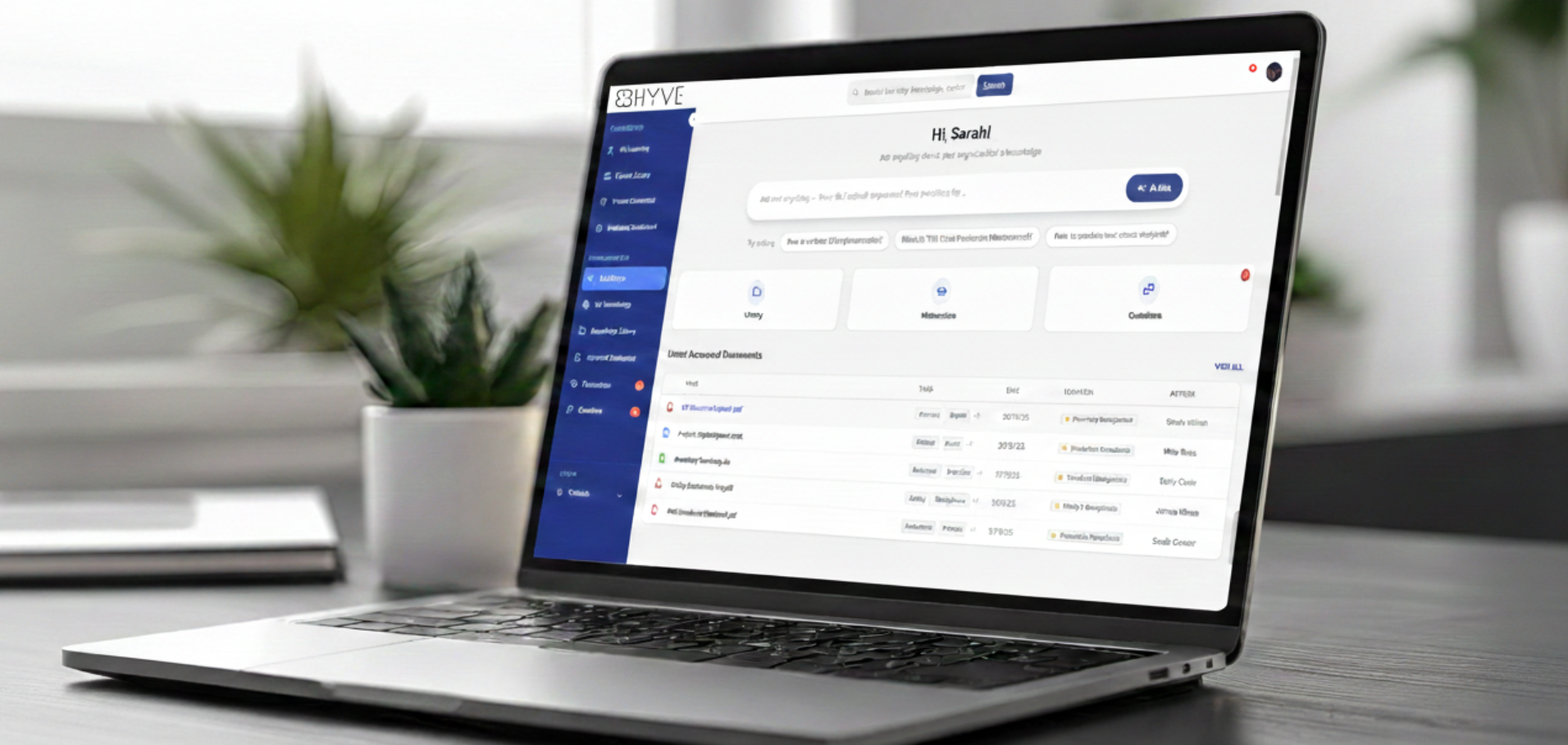

Choosing the right SharePoint alternative requires moving past a one-size-fits-all mindset to find a tool that actually matches your team's workflow. While SharePoint remains a powerhouse for deep document governance, many organizations now find it too rigid, complex, or search-broken for modern, agile work. New AI-driven platforms are changing the game, ensuring employees can access solutions swiftly and get answers much faster than traditional filing systems allow.
If you are looking for a list of sharepoint alternatives, we have compiled a detailed comparison of the Top Five.
Why are Enterprise Teams considering SharePoint alternatives in 2026?
Enterprises today are hunting for SharePoint alternatives because of a varied number of reasons. The most common complaints against SharePoint are
Cost - While sharepoint is a part of the microsoft suite, configuration and maintenance requires skilled resources. Your IT team will need to be held on a retainer to manage the setup, and constantly be present to make upgrades and configuration. This can quickly become a huge cost centre for the organisation.
Complexity - Set up, maintenance and structuring of SharePoint into sites, folders is a complex and frankly meticulous task. Managing permissions, workflows, versions are small but critical workflows that are tricky to set up and maintain across large organisations.
User Friendliness - Users complain of never being able to find information via SharePoint’s search. The most common line across the organisation's internal chat is “send me the sharepoint path”. Because between multiple folders and files and permissions, users take forever to find what they are looking for. A quick 3-5 seconds search is an impossibility in SharePoint.
Integration Flexibility - While SharePoint integrates natively with other Microsoft ecosystem tools, it doesn’t easily integrate with your traditional Enterprise tools - CRMs, ERPs, Audit management, and other tools your Enterprise teams use. This makes the flow of data and information clunky and slow.
Mobile Usability - Modern work needs mobile, on-the-go access, interfaces optimized for collaboration outside the office. SharePoint's mobile experience still lags in user satisfaction.
What is sharepoint costing your organisation beyond money?
The biggest reason to look at SharePoint alternatives isn’t features or integrations. Its the critical time your teams are losing struggling to find information from the chaos that is SharePoint. 40% of organisations say their SharePoint implementation was not a success with primary reasons being site sprawl, making 1 in 3 users say they can never find the information they are looking for. Between too many sites and folder, poor meta-data tagging, SharePoint becomes a dumpyard more than an organised knowledge source. 81% of employees report that they eventually have to interrupt a colleague (via Teams or email) because they cannot find a file themselves, creating a secondary productivity drain on the person being asked.
These constant interruptions, time lost to rework, mistakes and delays pile up to become thousands of hours for your organisation. Research suggests 1 out of 5 working days is lost when companies use traditional tools like SharePoint. So as you look for SharePoint alternatives, consider tools that optimise for your employees’ time. Tools that offer accurate, fast and reliable answers are what will drive the efficiency that’s expected from SharePoint.
How We Evaluated Sharepoint Alternatives for Enterprise Use
Our testing criteria and methodology
As we look at Sharepoint alternatives that suit the needs, scale, complexity of large enterprises, we had to consider some factors as table stakes. These are pre-requisites without which no tool would work within the complex data security structures of a large enterprise. The below are such factors. We also considered use cases - if the team is a technical coding team needing to store work tickets, vs a safety, quality, audit team requiring to share and access knowledge via spoken queries.
The 5 factors that matter most for enterprise
Enterprises looking at SharePoint alternatives need to consider the most important factors that make enterprises choose SharePoint in the first place -
Enterprise grade security - SharePoint is built to handle the complex needs of large enterprises. Your vendor of choice needs to be ISO 27001 and SOc 2 Type 2 compliant. They need to follow best practices suggested as per Indian DPDP Act, European GDPR and HIPAA for healthcare.
Quick Implementation - One of the biggest complaints against SharePoint is the complex, time- consuming process of setting up a SharePoint. Buyers must work with vendors to look at software that can go live in weeks if not days; and definitely not months.
Customised Workflows - Enterprises don’t need just a place to store their data. They need a powerful, organised software which allows for workflows that are imperative for enterprises. Managing versions, maintaining logs for all actions, ensuring approval processes and document revisioning.
AI Powered Search - Gone are the times of tagging, and keyword based search. Most users complain that tags are never enough or suitable, and searching within SharePoint doesn’t solve problems but adds to them. Today’s Generative AI technology offers us the the ability to give employees an AI Assistant that doesn’t just find the right documents, but generates answers to employees queries in a few seconds. This approach transforms how tools like SharePoint are used. Users no longer type keywords and get links to documents - AI today parses through TBs of information in seconds, accounts for access controls and permissions, and then builds a solid answer to employees’ query in seconds.
Integrations - SharePoint and the knowledge organisations store in it doesn’t exist in the vacuum. Employees need information fluidity. Customer data coming from CRM, project tracking, historical R&D data from your PLM tool, notes from chat and email, and most importantly, AI that works where they work. An isolated system like SharePoint that works primarily within the Microsoft system means employees need to download and re-upload files, look into data irregularities and is immensely draining on their time.
How to Choose the Right SharePoint Alternative for Your Organization?
How to decide which SharePoint alternative to go for?
Firstly, consider the use cases important for your organisation. What kind of knowledge - documents, videos, versions will your team need. Consider the time to go live, the integrations that are vital to your team’s efficiency and most importantly, the budget you have. When considering the budget, it’s not just the the commercials of buying sharepoint licenses, but the costs involved in setup, maintenance, customisation and upgrades. Also consider implications of hosting on-premise vs on-cloud. While cloud offers more scalability, on-premise is better for cost.
We have compiled a list of Top 5 Sharepoint alternatives For Enterprise with a Detailed Comparison
The Enterprise AI Search capability (Non Negotiable in 2026)
The most critical factor in selecting a SharePoint alternative is prioritizing search, as 80% of users are focused on information retrieval rather than creation. Moving beyond a list of 40 static document links, a sophisticated Enterprise AI Search tool allows employees to ask natural language queries and receive direct answers instantly, just as they would from a colleague. By implementing a smarter, AI-powered system, leaders can resolve the primary friction points of traditional platforms potentially reclaiming a full day of productivity per week, cutting repeat questions by 50%, and significantly accelerating project turnaround times.
Compliance, SSO, and scalability, the enterprise readiness checklist
The essential baseline for any SharePoint alternative is a robust foundation of data security and compliance, ensuring adherence to standards like India's DPDP, GDPR, ISO, and SOC while supporting advanced protocols like SSO and private cloud hosting to keep data firmly under client control. Beyond core security features like device management and VPN protections, a modern repository must guarantee that its AI is secure, verifiable, and free from bias or hallucinations. Ultimately, a knowledge system only adds value if it integrates seamlessly into existing organizational workflows, providing employees with a search experience that is as reliable and compliant as it is fast and effective.
Get a personalised consultation & a demo from BHyve AI - The Best Sharepoint Alternative - Book A Demo